
Trump AI Video: How to Create AI Trump Videos Safely in 2026
Introduction
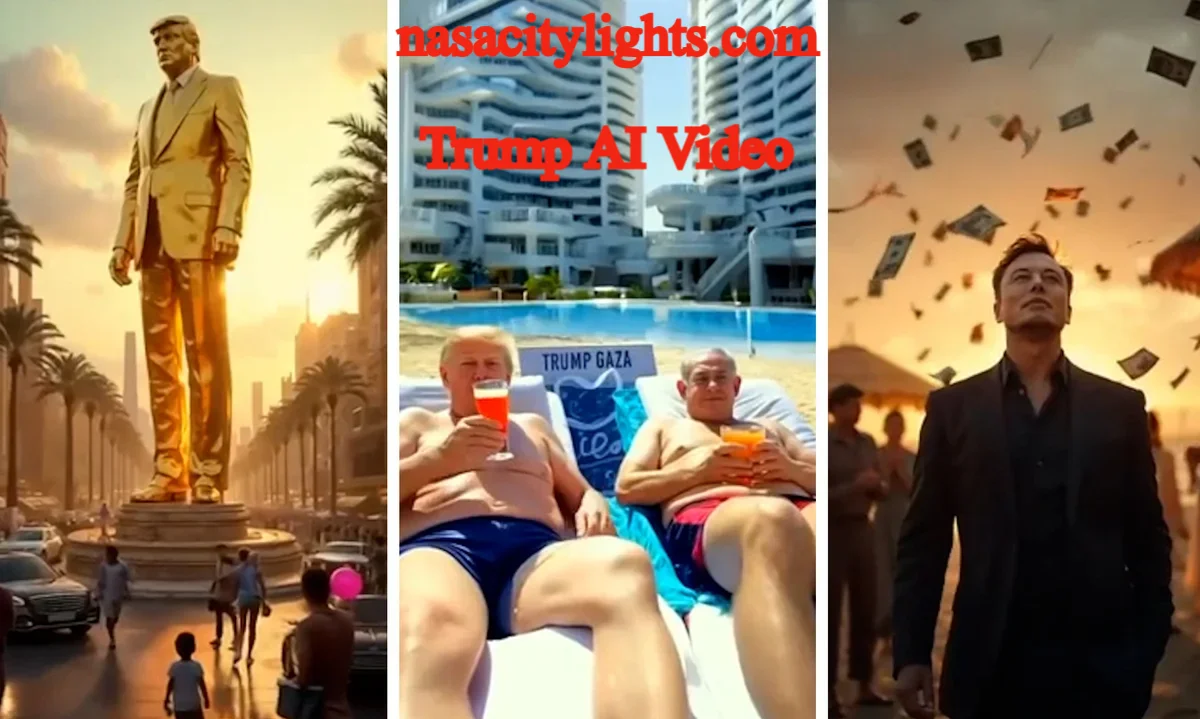
A Trump AI video is a video that uses artificial intelligence to generate or modify an image, voice, speech, facial movements or other visual elements associated with Donald Trump. These videos can be created for political satire, entertainment, commentary, education and creative storytelling, but realistic synthetic media should be clearly identified so viewers do not mistake it for authentic footage.
Modern AI video tools can combine digital avatars, AI-generated speech, lip synchronization, face animation and video editing. However, creating a convincing public-figure video requires more than simply typing a prompt. The creator also needs to consider accuracy, platform policies, copyright, impersonation risks and disclosure.
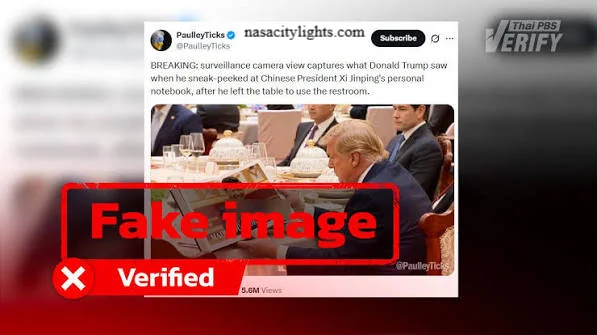
YouTube currently requires creators to disclose realistic AI-generated or meaningfully altered content when it makes a real person appear to say or do something they did not actually say or do.
What Is a Trump AI Video?
A Trump AI video is synthetic or AI-assisted media that digitally represents Donald Trump or imitates aspects of his appearance or voice.
Depending on the technology, an AI Trump video may use:
- An AI avatar
- Synthetic speech
- AI voice generation
- AI lip sync
- Face-swapping technology
- Text-to-video generation
- Video-to-video transformation
- Digital avatar animation
- Conventional video editing combined with AI
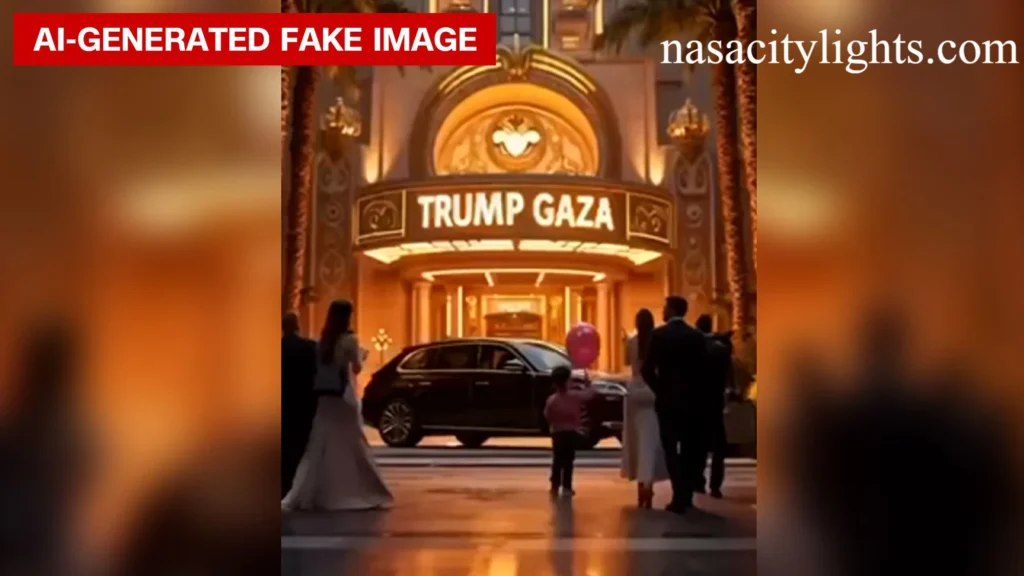
Not every AI Trump video is a deepfake. For example, an obviously cartoonish Trump avatar used in a comedy video is different from photorealistic footage designed to make viewers believe Trump actually delivered a particular statement.
That distinction matters because platforms increasingly focus their disclosure rules on realistic synthetic media.
How Does AI Trump Video Creation Work?
Creating an AI-generated Trump video generally involves several stages. The exact workflow depends on the platform, but the process often looks like this:
1. Decide What the Video Is For
Start with the purpose of the video.
Common legitimate uses include:
- Political satire
- Entertainment
- Commentary
- Educational content
- Historical discussion
- Creative storytelling
- AI demonstrations
If the video is intended to comment on politics, make the satirical or fictional nature obvious rather than presenting fabricated statements as genuine news.
2. Write the Video Script
The next step is creating the dialogue or narration.
A good script should be:
- Short and focused
- Easy to understand
- Appropriate for the intended audience
- Clearly fictional when necessary
- Free from fabricated claims presented as facts
For short-form content, concise dialogue usually works better than long speeches. An AI writing assistant can help organize the script, but the final text should still be reviewed by a human.
3. Choose an Appropriate Visual Approach
There are several ways to create the visual component.
You might use:
AI avatar videos: A digital character delivers a prepared script.
Video-to-video tools: An existing recording is transformed into another visual style.
AI-generated video: A text or image prompt is used to generate new footage.
Face animation: A still image or avatar is animated to match speech.
The safest approach for clearly fictional content is often a stylized or obviously artificial avatar rather than photorealistic footage that could be mistaken for authentic political footage.
4. Generate the Voice
Some AI video platforms offer synthetic voices or voice-generation features.
When working with a public figure’s likeness or voice, creators should avoid presenting generated speech as an authentic recording. A clear disclosure can help establish that the audio is synthetic.
For example:
“AI-generated parody. Donald Trump did not say this.”
The exact wording can vary depending on the platform and purpose.
5. Add Lip Synchronization
An AI lip sync model can synchronize an avatar’s mouth movements with generated or recorded dialogue.
Good lip synchronization generally depends on:
- Clear audio
- Appropriate speech pacing
- Short sentences
- Natural pauses
- High-quality source material
- A compatible avatar or video model
Adding pauses to an AI video can also make the final result feel less rushed.
6. Generate and Edit the Video
Once the avatar, script, voice and synchronization are ready, generate the video and review the result.
Look for:
- Unnatural facial movements
- Incorrect mouth shapes
- Strange eye movements
- Audio glitches
- Mispronounced words
- Visual artifacts
- Unclear AI disclosure
AI video editing tools can then be used to add captions, transitions, background music and other production elements.
What Is the Best AI Trump Video Generator?
There is no single best Trump video generator for every project. The right tool depends on whether you need an avatar, text-to-video generation, lip synchronization, editing or synthetic speech.
A useful way to compare AI video tools is by their main function:
| Tool capability | Best for |
|---|---|
| AI avatar | Talking-character videos |
| Text-to-video | Generating original scenes |
| Image-to-video | Animating still images |
| AI lip sync | Synchronizing speech and facial movement |
| AI voice generation | Creating synthetic narration |
| Video editing | Captions, cuts and effects |
| Video-to-video | Transforming existing footage |
If a service such as Yapper AI or another video generation platform offers avatar or AI video functionality, check its current terms and permitted-use policies before using a real person’s likeness or voice.
The important point is that the technology should serve the creative purpose rather than attempting to make fabricated political material appear authentic.
How to Make AI Trump Videos Look Better
Realistic AI video is improving quickly, but quality still depends heavily on the input and editing process.
Use a Clear Concept
A simple concept is easier for an AI model to render consistently than a complicated scene with numerous characters and movements.
Keep Clips Short
Short AI video segments can be easier to control and edit than a single long generation.
Use Natural Speech
Write dialogue the way a person would actually speak. Very long sentences can create synchronization problems.
Add Natural Pauses
Pauses give an AI lip sync system more time to produce believable facial movement.
Review Every Generation
Don’t automatically publish the first version. Watch the complete video and check the face, voice, timing and context.
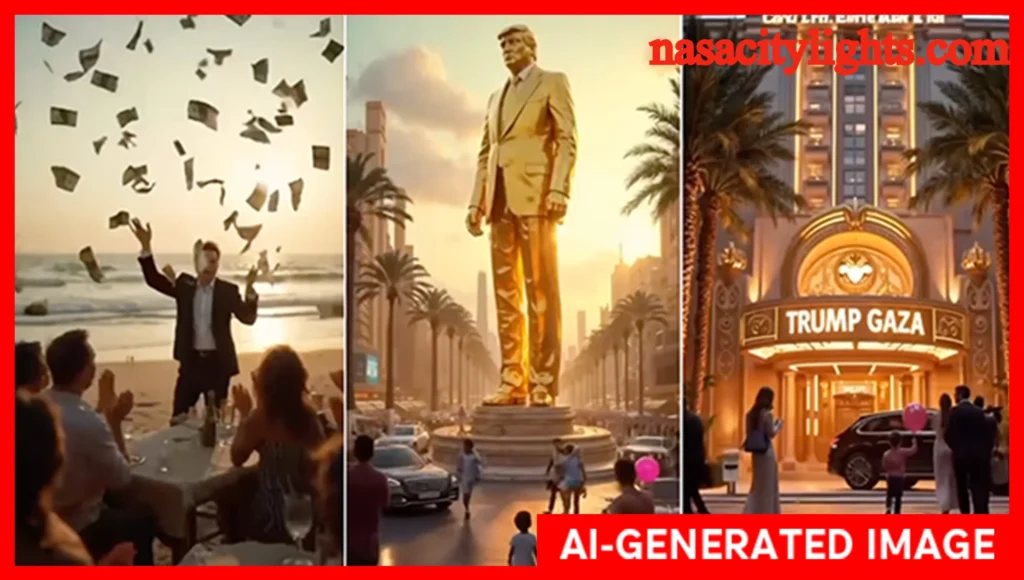
Make the AI Nature Clear
This is especially important when a recognizable public figure is involved. YouTube says creators must disclose realistic AI content that makes a real person appear to say or do something they did not actually say or do.
What Are Good AI Trump Video Ideas?
AI Trump videos can be used in many creative formats without pretending that fabricated statements are genuine.
Funny AI Videos
A fictional comedy scenario can use an AI avatar to explore an imaginary situation.
For example:
- A fictional office conversation
- A parody interview
- A clearly fictional historical scenario
- A humorous explanation of an everyday topic
Political Satire
Political satire is another common use.
A creator can exaggerate a political situation for comedic purposes while clearly labeling the video as satire or AI-generated.
The important distinction is between satire that audiences understand as fictional and deceptive content designed to convince people that a fabricated statement actually happened.
Educational AI Videos
AI-generated content can also be used to explain:
- How political campaigns work
- What deepfakes are
- How synthetic media is generated
- The history of political advertising
- How viewers can identify manipulated footage
An educational video can even demonstrate AI manipulation while explicitly telling viewers that the example is synthetic.
Reaction and Commentary Videos
Creators can discuss real Trump speeches, interviews or political events and use AI-generated visuals as illustrations.
The commentary should distinguish genuine source footage from generated material.
Is It Legal to Create a Trump AI Video?
Creating an AI video featuring a public figure is not automatically illegal, but the legal and platform consequences depend heavily on how the video is created, used and distributed.
Potential issues can include:
- Defamation
- Fraud or deceptive conduct
- False advertising
- Election-related rules
- Impersonation
- Copyright
- Right-of-publicity laws
- Platform-specific policies
Political advertising requires particular caution. Google Ads, for example, requires election advertisers to disclose synthetic or digitally altered content that inauthentically depicts real or realistic-looking people or events.
Google also updated its advertising policies in July 2026 to allow AI labels in certain image and video advertisements and noted that some jurisdictions have AI transparency requirements.
Because laws vary by location and circumstances, creators should not assume that a video is legally safe simply because it was generated with an AI tool.
How Should You Disclose an AI Trump Video?
The safest approach is to make the AI nature of realistic political content obvious to viewers.
A disclosure can appear:
- On the video itself
- In the opening frame
- In the description
- In a platform’s AI disclosure field
- In the caption or accompanying text
Possible wording includes:
“AI-generated video for satire. This is not authentic footage.”
Or:
“This video contains synthetic AI-generated audio and visuals.”
YouTube’s current policy requires disclosure for realistic AI-generated or meaningfully altered content, including content that makes a public figure appear to say or do something they did not actually say or do.
YouTube’s May 2026 update also states that AI disclosures became more prominent, including labels directly on Shorts and beneath long-form videos.
Importantly, YouTube says disclosure itself does not automatically make a video ineligible for monetization. However, other Community Guidelines and monetization requirements still apply.
Can AI Trump Videos Be Monetized?
Potentially, yes, but monetization is not guaranteed.
The outcome depends on:
- The platform
- The video’s originality
- Whether it follows community guidelines
- Whether the content is deceptive
- Whether it adds meaningful commentary or entertainment value
- Whether disclosure requirements are followed
- Whether the creator satisfies the platform’s monetization requirements
YouTube specifically states that disclosure of qualifying AI content does not itself limit audience reach or eligibility to earn money.
However, a creator should not assume that adding an “AI-generated” label automatically makes misleading political content acceptable.
AI Trump Video vs. Trump Deepfake: What’s the Difference?
The terms are sometimes used interchangeably, but they aren’t identical.
| Term | Meaning |
|---|---|
| AI Trump video | Broad term for AI-generated or AI-assisted Trump-related video |
| Trump AI avatar | Digital character representing Trump |
| Trump deepfake | Synthetic media designed to realistically imitate a person’s appearance or actions |
| AI voice | Computer-generated speech |
| AI lip sync | Technology matching mouth movement to speech |
| Synthetic media | Broad category covering AI-generated or digitally altered media |
A cartoon parody and a photorealistic fake speech may both fall under the broad term “AI Trump video,” but their potential risks are very different.
How to Create Responsible AI Political Videos
If your goal is entertainment, education or commentary, follow a simple set of principles:
- Clearly identify synthetic content.
- Don’t present fabricated statements as real quotes.
- Don’t fabricate breaking-news footage.
- Don’t use AI to falsely show someone committing a crime.
- Avoid deceptive election-related claims.
- Check the platform’s latest AI-content rules before publishing.
- Keep satire recognizable as satire.
- Review generated audio and visuals before publication.
YouTube’s policies specifically address manipulated content that can cause serious real-world harm or interfere with democratic processes.
Frequently Asked Questions
How do you make an AI Trump video?
You can create one by developing a script, selecting an appropriate AI avatar or video-generation method, generating suitable audio, synchronizing the dialogue, editing the result and clearly disclosing realistic synthetic content. The exact steps depend on the AI video platform you use.
What is the best AI Trump video generator?
There is no universally best option. Choose a tool based on whether you need an AI avatar, text-to-video generation, lip synchronization, synthetic speech or conventional AI video editing.
Can I make an AI Trump video for free?
Some AI video services offer free plans or limited credits, while others require payment. Free options may impose limits on resolution, duration, exports or watermarks. Check the current pricing and terms of the specific platform before creating content.
Are AI Trump videos legal?
They can be legal in some circumstances, but legality depends on how the content is created and used. Political advertising, deception, defamation, impersonation and other issues can create additional legal risks.
Can AI Trump videos be monetized?
They can potentially be monetized if they comply with the platform’s monetization and content policies. On YouTube, disclosure of qualifying AI content by itself does not make a video ineligible for monetization.
Do I need to label an AI Trump video?
If the video is realistic and meaningfully altered or generated, you should disclose it. YouTube requires disclosure when AI makes a real person appear to say or do something they did not actually say or do.
Can AI be used for political satire?
Yes. AI can be used for political satire and commentary, but creators should make the fictional or satirical nature clear enough that viewers are not misled about what actually happened.
What is a Trump AI avatar?
A Trump AI avatar is a digitally generated or animated representation designed to appear or speak like Donald Trump. Depending on the technology, it may combine an image, avatar animation, synthetic voice and lip synchronization.
About the Author: Hamid Ali is a technology and AI content writer focused on emerging AI tools, video generation, and digital trends. He creates clear, practical, and trustworthy guides that help readers understand new technologies.
Also Read: